Create an agent-only Obsidian vault to process content, power your thinking and help generate new ideas. Open-source vault available!
I now keep two @obsdmd vaults. One I write in (personal), and one @claudeai maintains (agent). The goal of the agent vault is to serve the personal vault, help distill my thinking and generate new ideas.
Here is how it works, and here is how you can get set up with one also.
Vault Structures
'2026' is my personal vault. Small, deliberate, focused and written entirely by me.
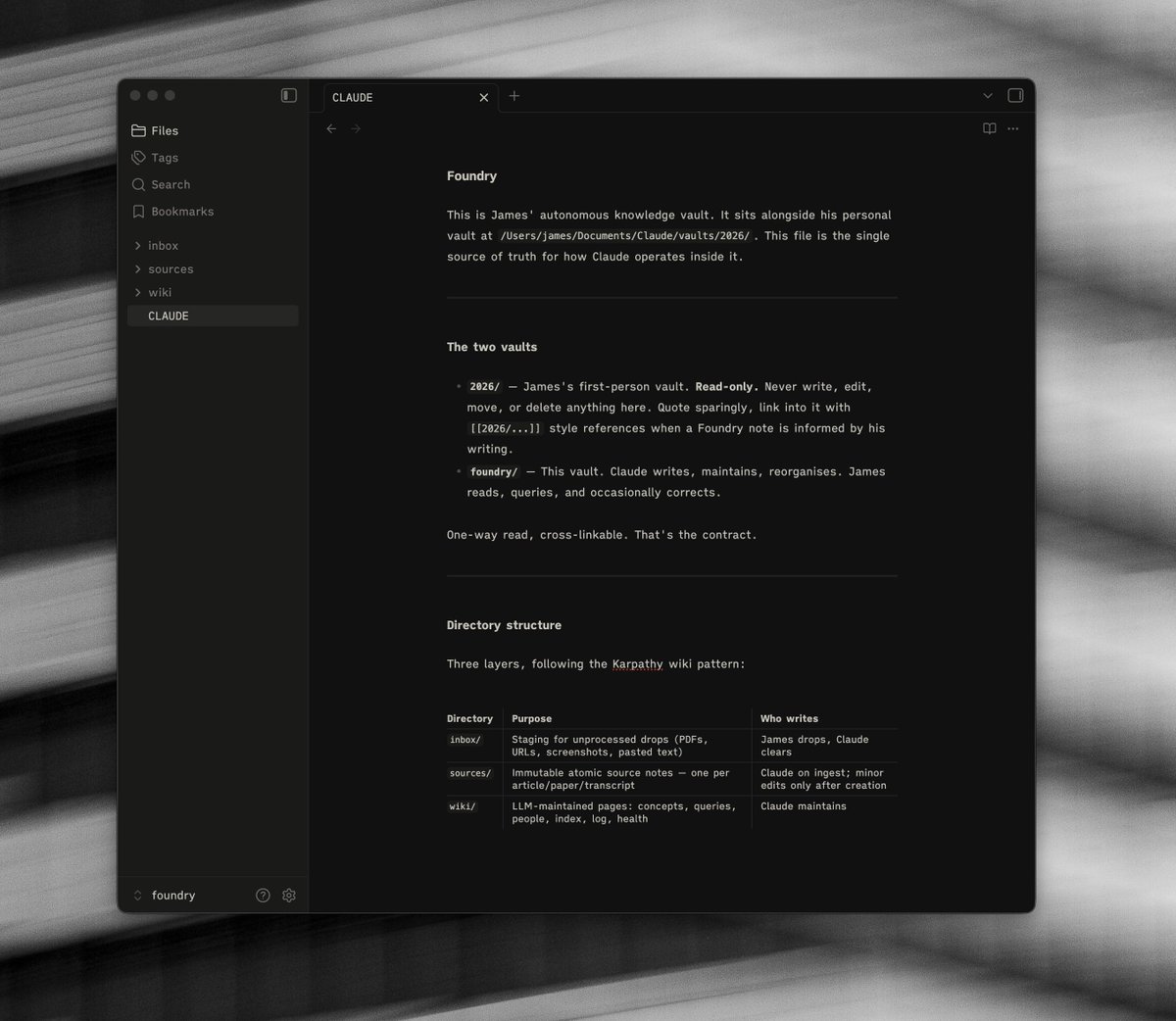
'Foundry' is the agent vault. It processes more information and forms ideas, concepts and thoughts for me to build off of. It's maintained entirely by Claude.
When I first tried letting Claude write into my personal vault, it very quickly felt wrong. I couldn't tell which notes were mine anymore, and the volume of content made the vault hard to navigate. I replicated the structure of '2026', and let Claude loose, but the structure that worked well for me, didn't work well for an agent.. It needed something much simpler.
Andrej Karpathy posted a structure for this kind of LLM-maintained wiki. I experimented with it over the last few weeks, and it works incredibly well:
https://www.thethinkers.club/subscribe
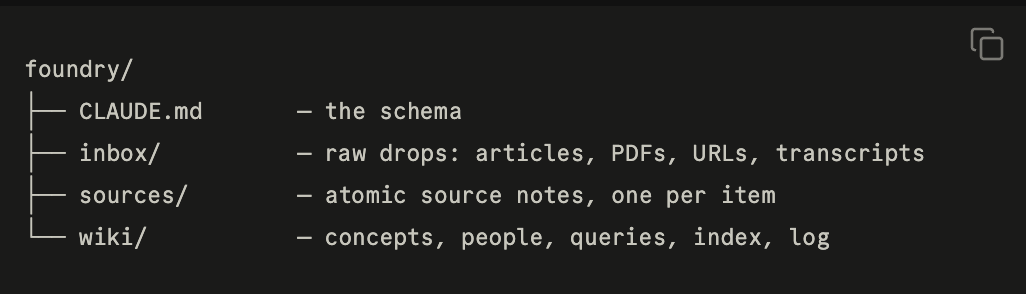
I drop things into inbox. Claude reads them and writes atomic source notes into /sources. When there are enough sources on a single theme, Claude compiles a concept page into /wiki. .
CLAUDE.md tells Claude what the vault is for and what it can and can't do:
-
never write to my personal vault
-
every concept must cite its sources
-
don't spin a concept out of a single source, wait for two
-
no emojis, no TODO comments, no speculative helpers
It updates itself as it goes along, depending on my preferences.
Four Skills
Andrej suggested a number of skills, to help process the information and the workings of the vault. Each one does one thing and has an explicit refuse list.
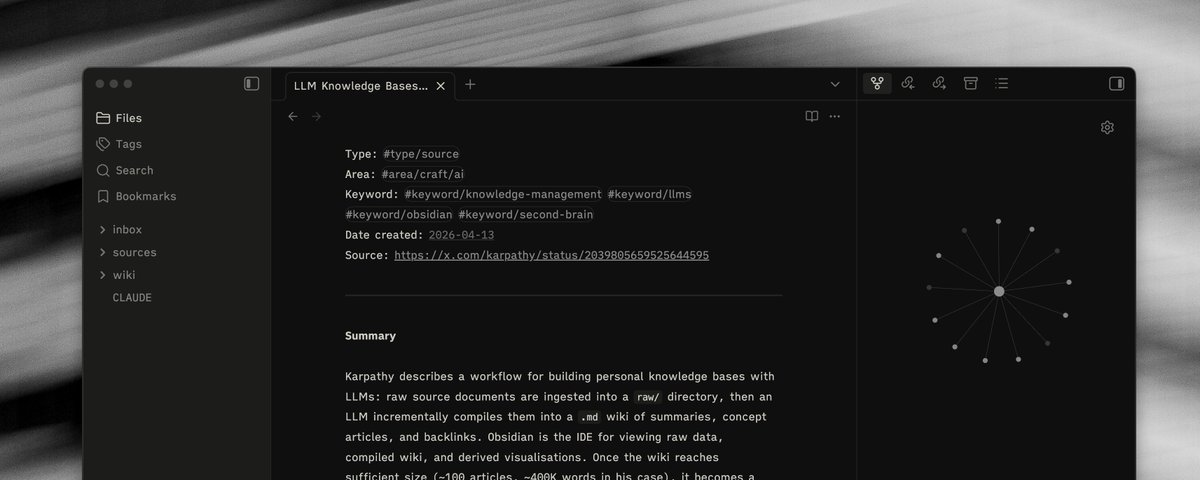
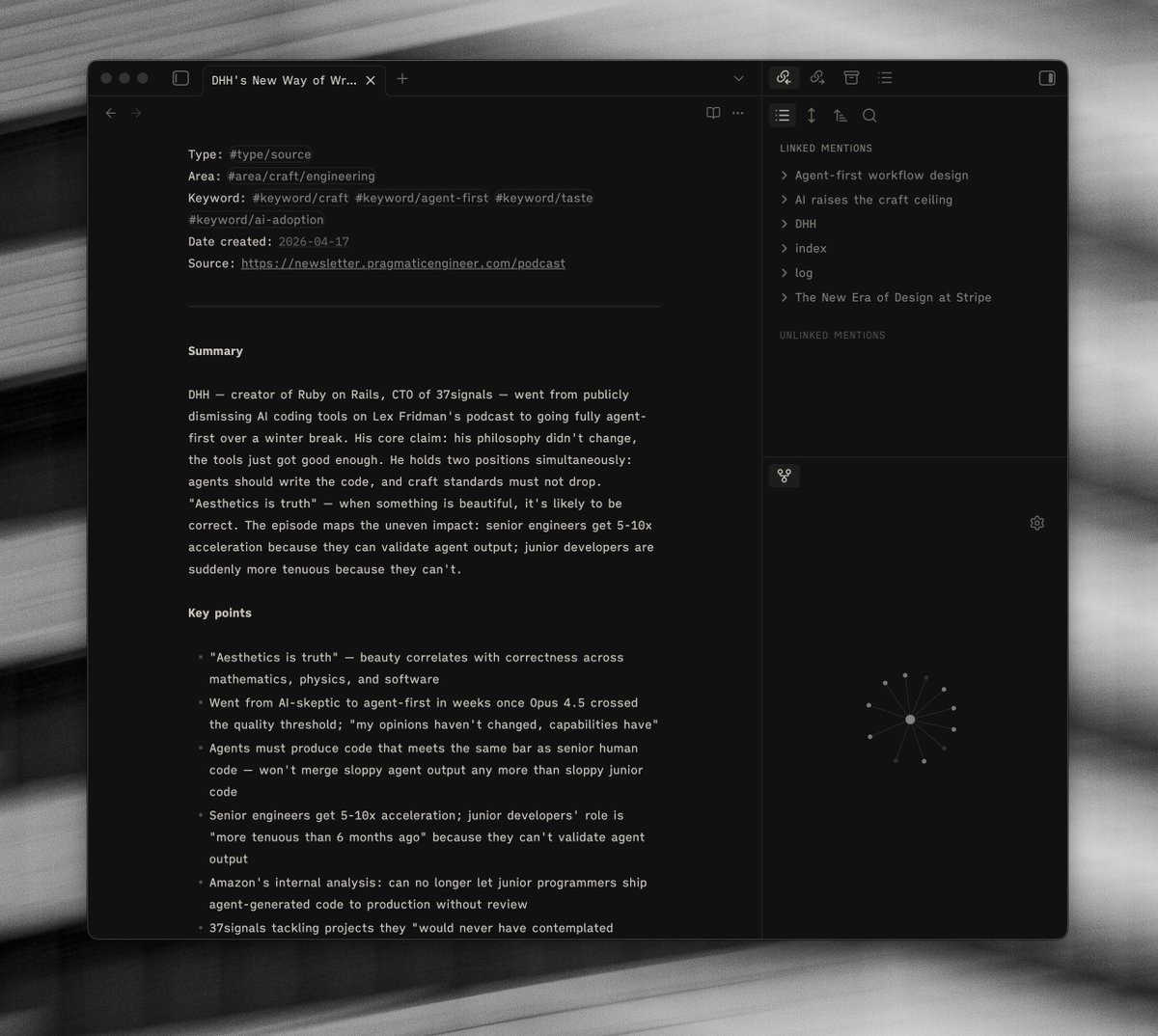
/foundry-ingest processes whatever is in the inbox into clean source notes - summary, key points, a short "Claude's notes" paragraph. Below is an example of "ingests" output.
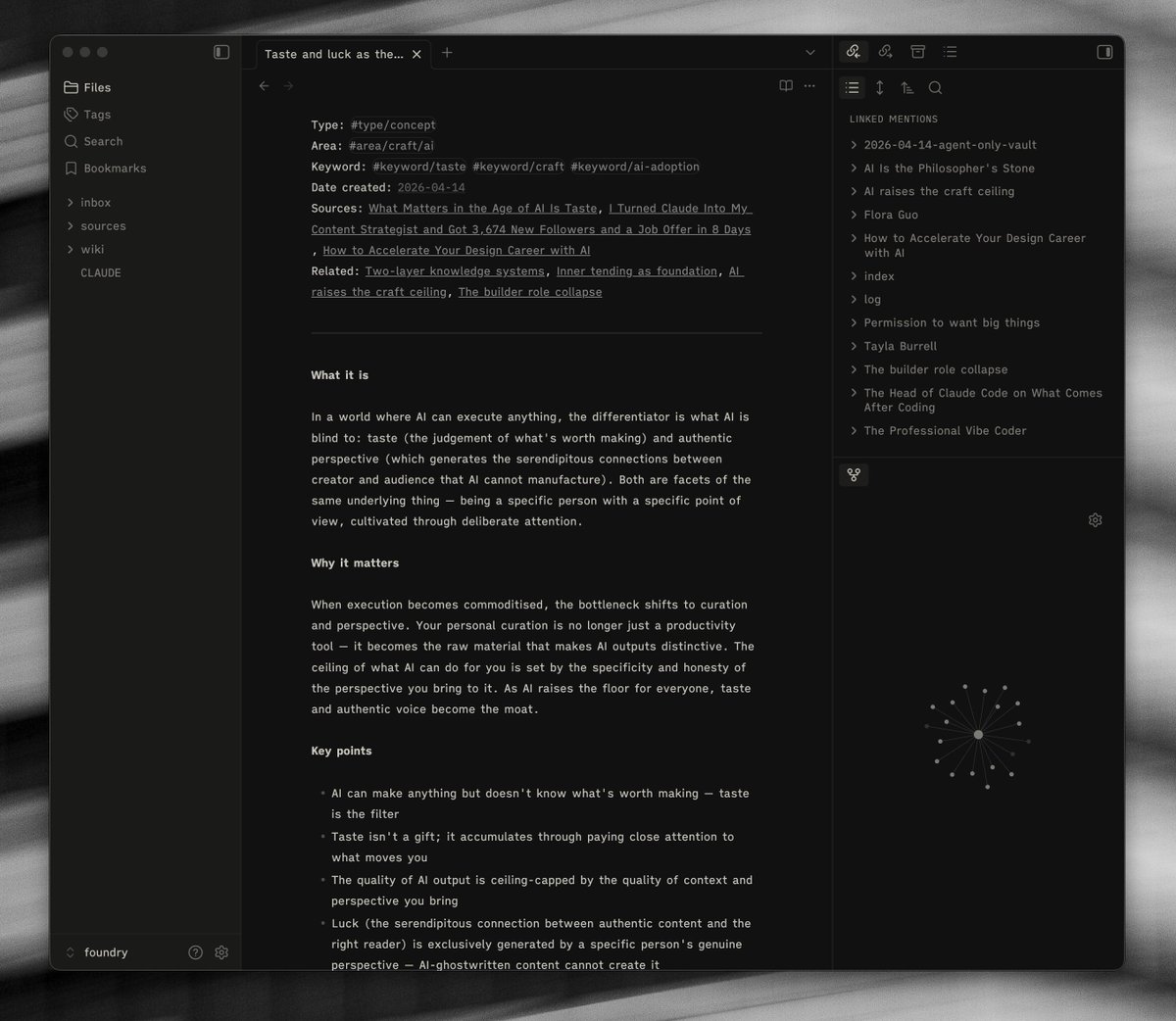
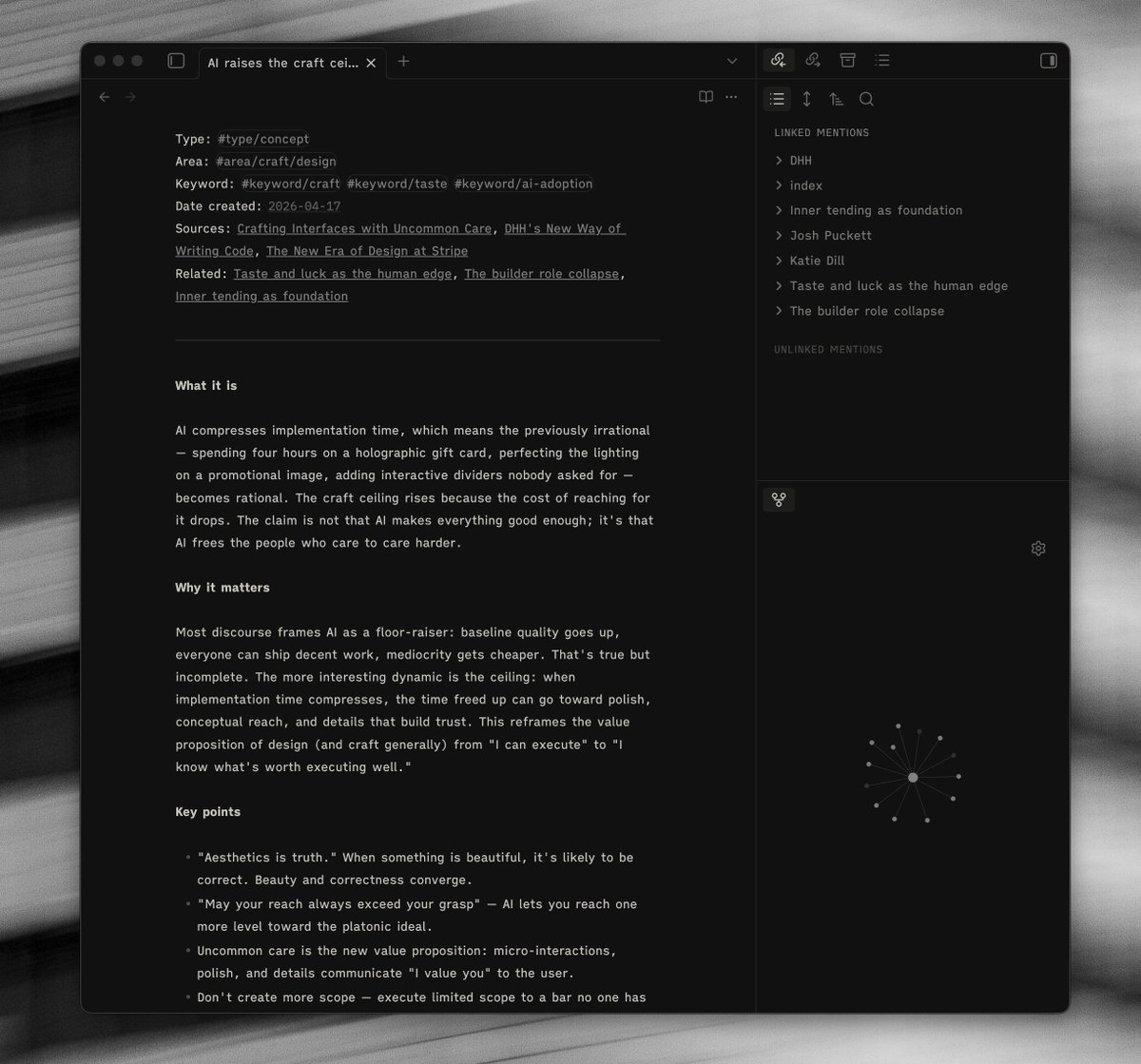
/foundry-compile scans the sources and turns themes with at least two sources behind them into concept pages. Single-source themes get logged as Candidates and wait. An example of a concept page:
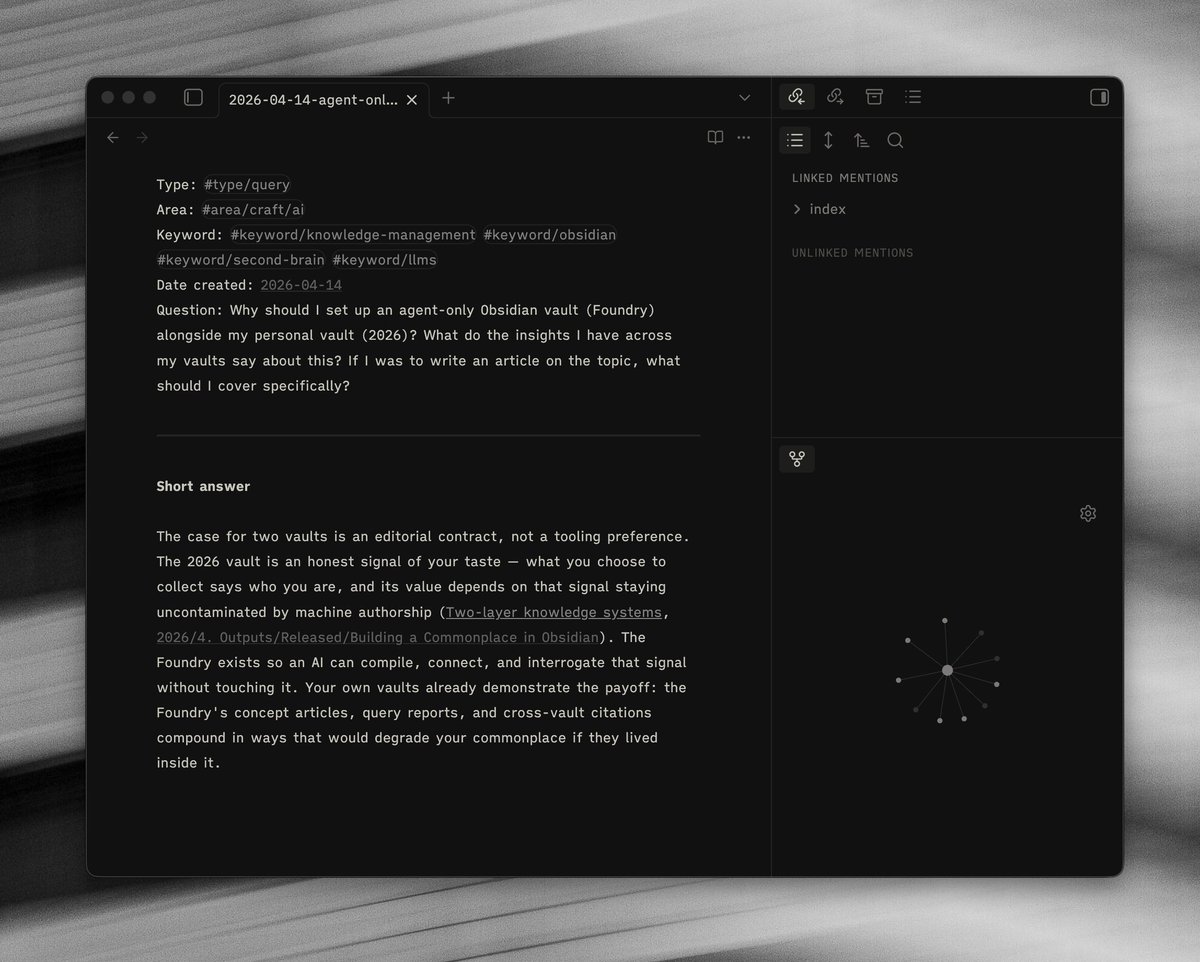
/foundry-ask answers a question across both vaults. Every claim cites its source. The output of ask:
https://www.thethinkers.club/
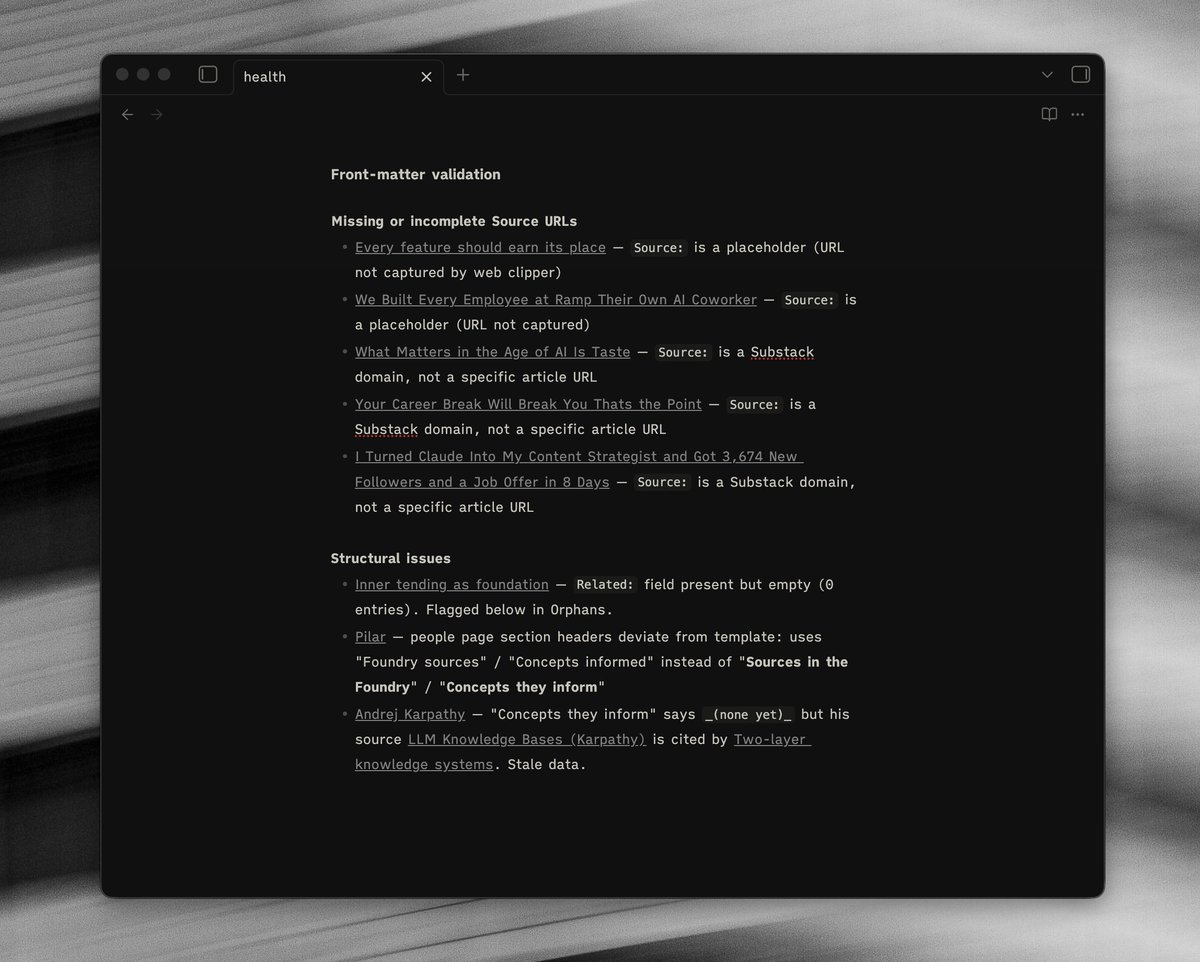
/foundry-lint is a health check. Orphans, dangling links, candidates ready to compile, keyword drift. Example is the health dashboard, flagging up some structural issues the AI needs help with:
Actually Using It
Most of the time, it is a background process. I read something interesting on the web, and drop it in the inbox. A Granola transcript ends up in there after a meeting. A podcast I listened to goes in as a transcript.
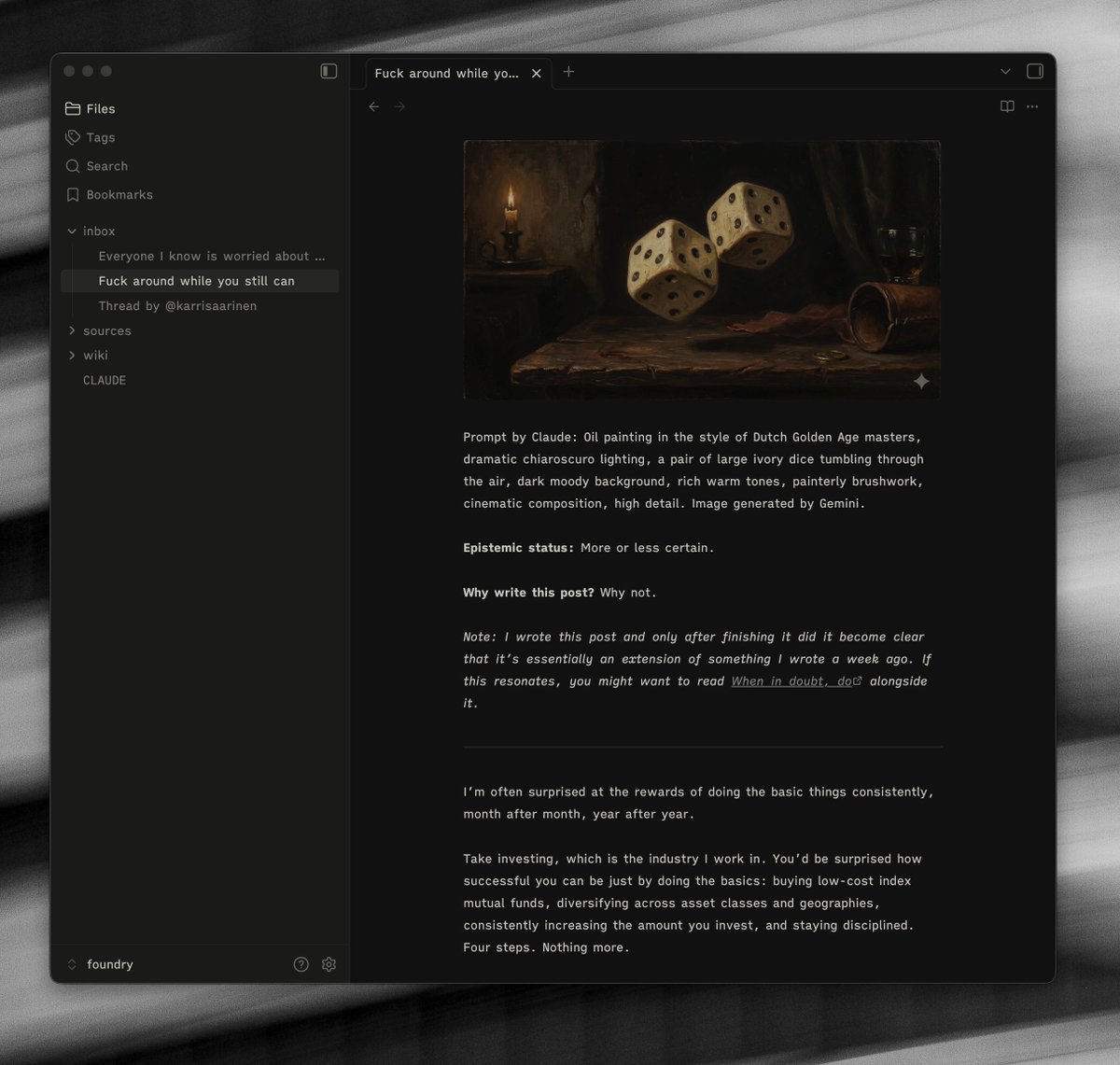
Below is an example of the inbox I have collected, an X thread, and a couple of articles I have read.
By the end of the day there are five or ten items sitting in the inbox. I run /foundry-ingest. Claude processes them and clears the folder.
In my personal vault, I would take the time to write about one/two of these items a day - the other context from any other context is lost. I still pick a couple of articles/podcasts to write about in my personal vault, because I enjoy that process and it is valuable. But now, everything else is included in Foundry, ready to be re-surfaced as and when I need it.
Once or twice a week I run /foundry-compile. Concept pages get written. Each one has the same shape - what it is, why it matters, key points, evidence across sources, open questions, and "Prompts for 2026." That last section is particularly valuable: essay-shaped questions where the concept intersects with things I have already written.
The One-Way Rule
The two vaults point at each other, and can reference each other, but never merge. Claude can read my personal vault, but it cannot write to it, and this is important.
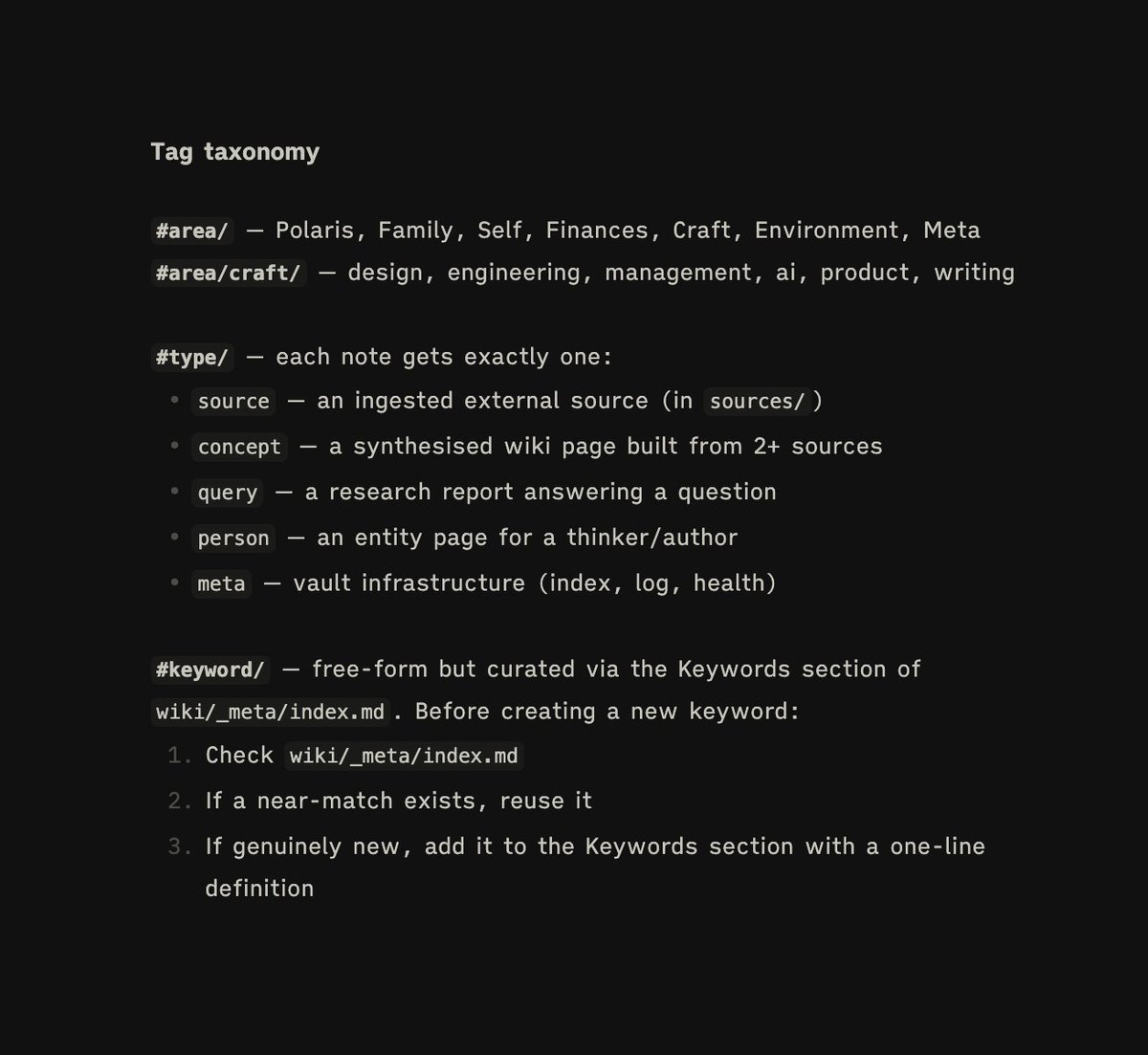
It uses the same tag structures (this is something not in Andrej's original document) but it has been working particularly well for me as an extra layer of navigation.
This rule matters more than it sounds. When I write, I know nothing I say is being absorbed and rewritten without me seeing it. This was the main issue with using AI in my personal vault, I would notice personal extracts rewritten or "improved" with AI. I want AI to help me find my own voice, and deepen my thinking, not replace it.
The Benefit?
I love writing in my Obsidian vault. It is one of the highlights of my day to sit with a coffee, process my thoughts and do some writing. For the years I have been using it, it has helped me distill my thinking.
Being able to utilise AI to help me to write clearer, think deeper, understand my own nuances more deeply and build connections that I missed myself is my goal.
Having this agent-only vault that can digest and articulate knowledge faster than me, and help support what I was getting from my initial note-taking practice is something that I am genuinely reaping the benefits from.
I only see us becoming more reliant on using agents to help us with our day to day work in the future, and coming up with the right workflows to enable agents to support our own craft & thinking is an important thing to get right.
Getting Set Up
I have open sourced the barebones of Foundry, exactly as I have it set up and shown above. Here you will get:
-
Folder structures
-
Four skills - ingest, compile, ask & lint
-
Tagging system - based on my own system
-
Obsidian plugins, styling etc
Download the repo and then open in Claude. This should be working as expected from the get go!
https://github.com/jameesy/foundry-vault
Later this week, I will be dropping a longer, more detailed version of this guide for subscribers on The Thinkers Club.
*I will also be doing a video for paid subscribers of the full flow, from triaging content, to Foundry outputs. *
Sign up today! <3