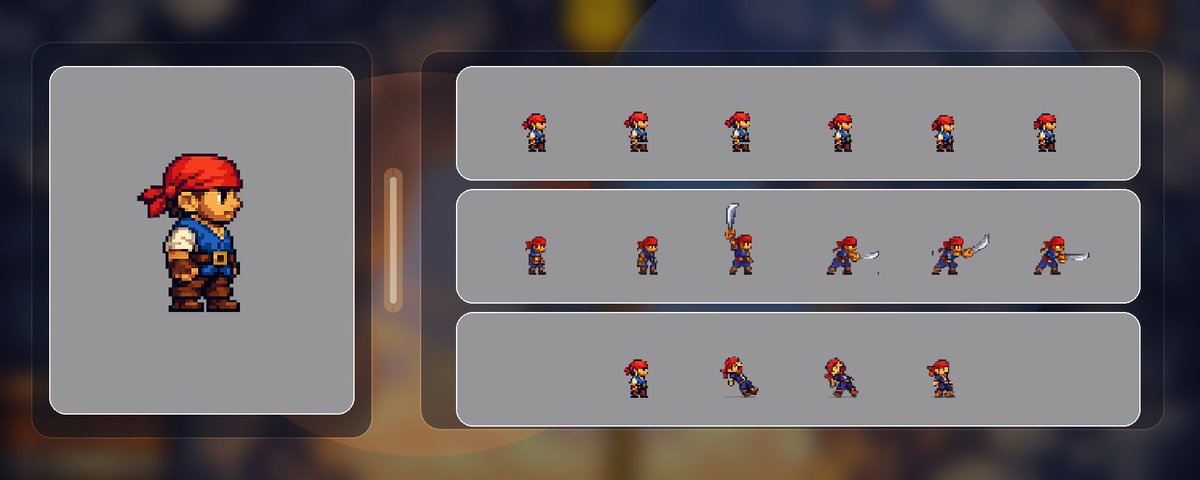
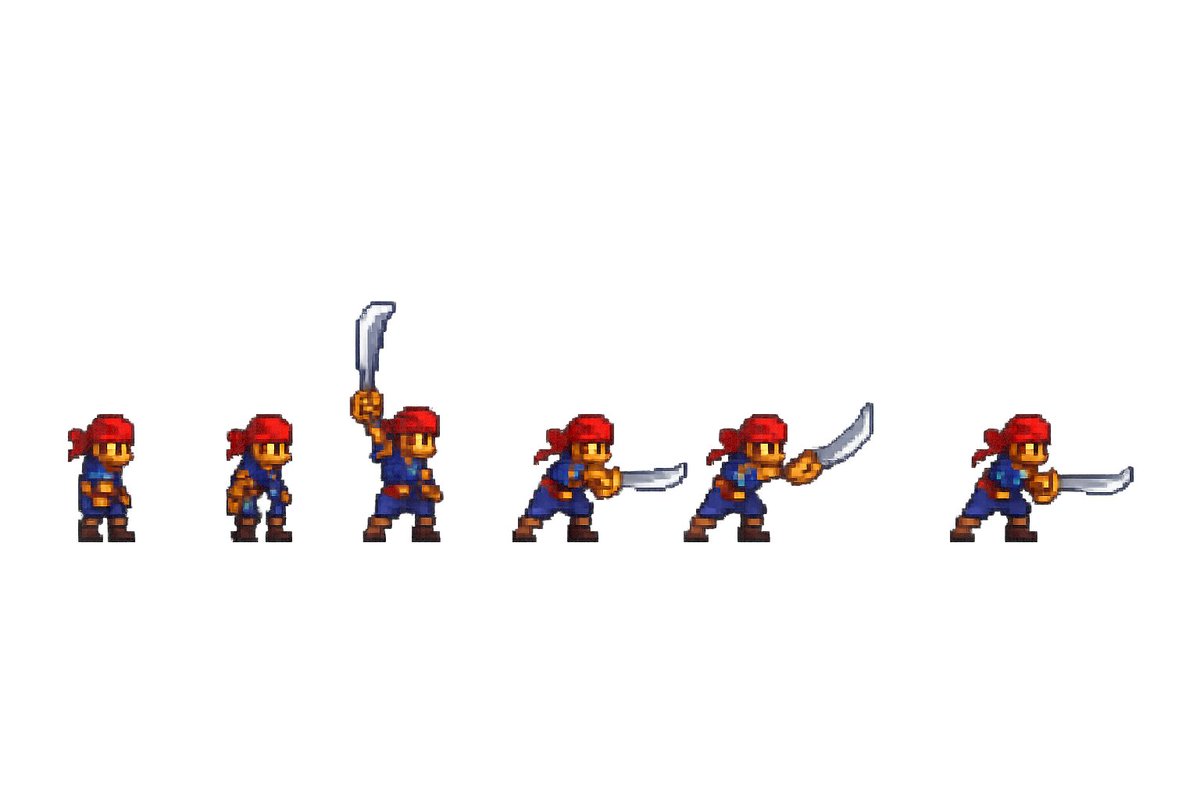
我最近发布了这条推文,展示了我是如何创建一个动画像素艺术 (Pixel Art) 海盗游戏角色的。
自那条推文以来,我进一步改进了图像生成。
许多人表现出了兴趣(谢谢!),更多人对我使用的流程 (Workflow) 提出了疑问。与其使用推文串 (Threads),我想尝试一下 X 文章来展示我是如何实现的。
免责声明 (Disclaimer): 此流程仍处于实验性 (Experimental) 阶段,也就是说,我仍在探索获得良好效果的最佳方法。因此,请将其视为教育资源,它绝非最终指南。
让我们开始吧!
流程概述 (Workflow Overview)
核心思路很简单:
-
从一帧已确认的游戏内帧开始
-
让 GPT Image 围绕该帧创建一个完整的动画序列图 (Animation Strip)
-
将序列图归一化 (Normalize) 为固定大小的游戏帧
-
重建资产索引并在引擎内预览
1. 从已发布的种子帧开始 (Start From A Shipped Seed Frame)
我们发现,当模型锚定 (Anchored) 在实际的生产精灵图 (Sprite) 而非松散的概念上时,一致性会好得多。
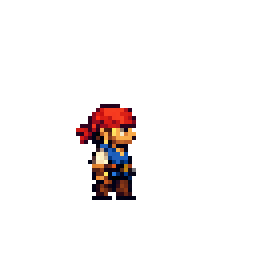
对于受伤动画 (Hurt Animation),种子图像 (Seed Image) 是以下生成的帧: (我会另写一篇教程介绍如何获得第一张图像,但这条推文确实涵盖了高层级的方法)
这很重要,因为它锁定了:
-
面部
-
身体比例
-
调色板 (Palette)
-
剪影 (Silhouette)
2. 为编辑 API 构建参考画布 (Build A Reference Canvas For The Edit API)
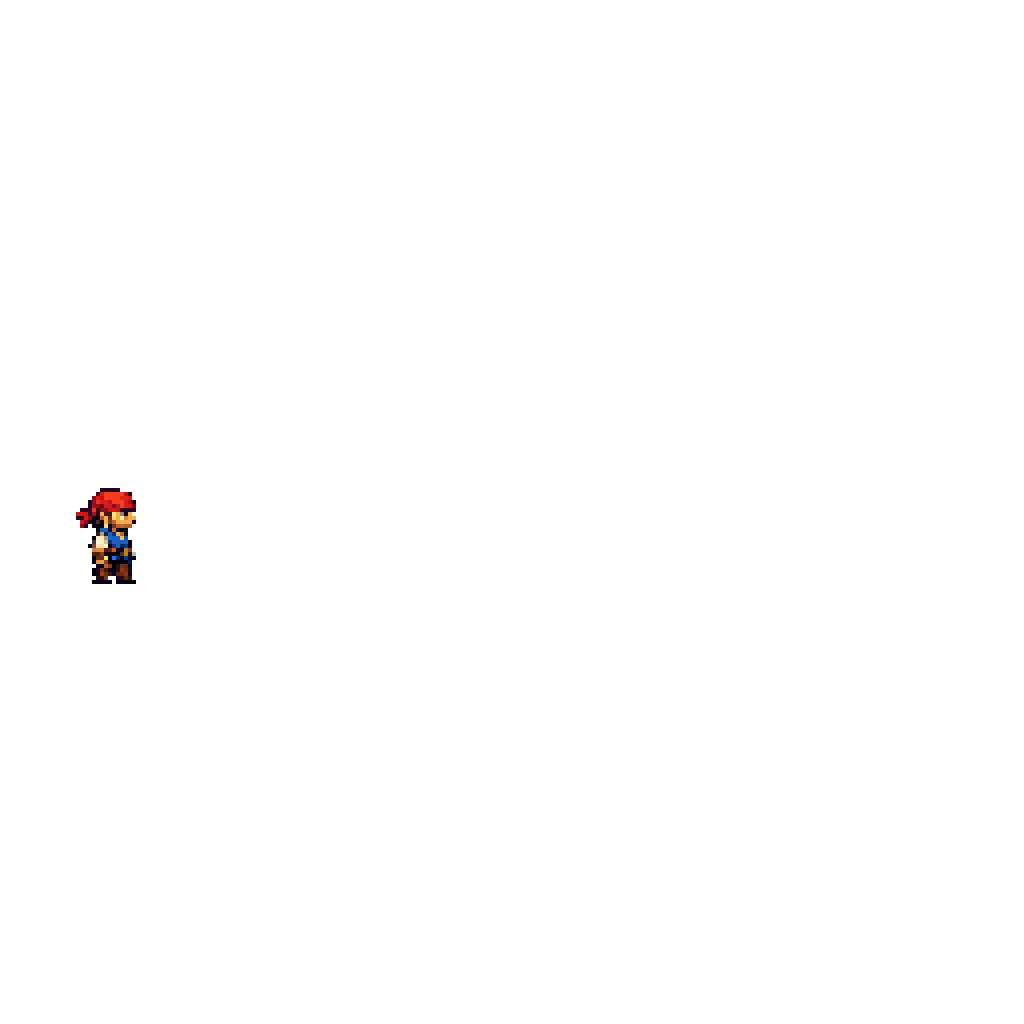
我们不直接发送原始的 64x64 精灵图。我们使用最近邻插值 (Nearest-neighbor) 对其进行放大,并将其放入一个带有预留帧槽位的更大透明编辑画布 (Edit Canvas) 中。
对于受伤动作,将上述 idle/frame-01.png 放入 1024x1024 的画布中,我们得到以下结果:
该画布是使用 Python 脚本创建的。
3. 请求完整的序列图,而非微小的帧编辑 (Ask For The Full Strip, Not Tiny Frame Edits)
需要注意的一点是,尝试逐帧生成动画对角色一致性效果不佳。相反,更好的方法是要求一次生成一整条序列图。
因此,对于受伤动画,我使用了以下提示词 (Prompt):
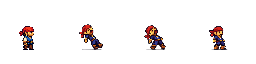
Intended use: candidate production spritesheet for a 2D side-view pirate platformer hurt animation review. Edit the provided transparent reference-canvas image into a single horizontal four-frame hurt spritesheet. The existing sprite in the leftmost slot is the exact shipped idle-v2 starting frame and must remain the starting frame for this sequence: same compact pirate hero, same right-facing side view, same red bandana, same blue tunic, same brown boots, same tan skin, same readable face, same proportions, same pixel-art silhouette family. Composition: keep the image transparent, keep exactly one row of four equal 256x256 frame slots laid out left to right across the 1024x1024 canvas, centered vertically, no overlap between frame slots, no extra characters, no labels, no UI. Action: frame 1 stays as the calm idle starting pose, frames 2 through 4 show a short hurt reaction from a hit, with the same pirate recoiling backward, torso pulled back, head jolted, one brief pain expression, then slight recovery. Keep body size, head size, and outfit proportions consistent across all four frames. Style: authentic 16-bit pixel art, crisp pixel clusters, stepped shading, restrained palette, production game asset, not concept art. Constraints: no sword, no weapon, no scenery, no floor, no glow, no atmospheric haze, no impact effects, no shadows outside the sprite contours, no collage, no poster layout, no blurry details. Keep wide transparent empty space outside the four frame slots.
(译意:预期用途:用于 2D 侧视图海盗平台游戏受伤动画评审的候选生产精灵表 (Spritesheet)。将提供的透明参考画布图像编辑为单行四帧的受伤精灵表。最左侧槽位中的现有精灵是确切的已发布 idle-v2 起始帧,且必须保持为该序列的起始帧:相同的紧凑海盗英雄,相同的右向侧视图,相同的红色头巾,相同的蓝色上衣,相同的棕色靴子,相同的棕褐色皮肤,相同的清晰面部,相同的比例,相同的像素艺术剪影系列。构图:保持图像透明,在 1024x1024 画布上保持正好一行四个相等的 256x256 帧槽位,从左到右布局,垂直居中,帧槽位之间无重叠,无额外角色,无标签,无 UI。动作:第 1 帧保持为冷静的待机 (Idle) 起始姿势,第 2 到第 4 帧显示受到攻击后的短暂受伤反应,海盗向后退缩,躯干后缩,头部震动,一个简短的痛苦表情,然后轻微恢复。在所有四帧中保持身体大小、头部大小和服装比例一致。风格:真实的 16 bit 像素艺术,清晰的像素簇,阶梯状阴影,受限的调色板,生产级游戏资产,而非概念图。约束:无剑,无武器,无布景,无地板,无发光,无大气薄雾,无冲击效果,精灵轮廓外无阴影,无拼贴,无海报布局,无模糊细节。在四个帧槽位之外保持宽阔的透明空白区域。)
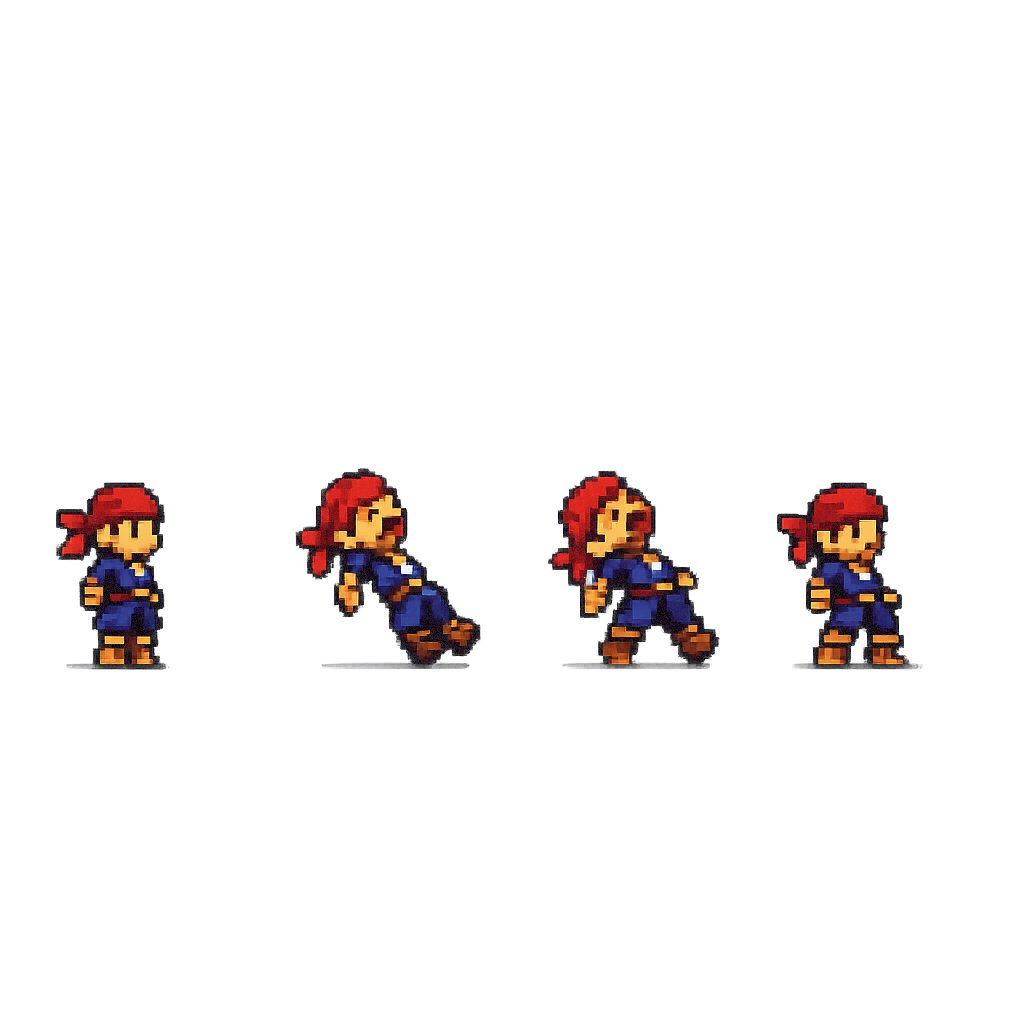
这产生了一个一致的序列,如下所示:
4. 将序列图归一化为真实的游戏帧 (Normalize The Strip Into Real Game Frames)
原始的 GPT 序列图还不能直接用于游戏。我们使用另一个 Python 脚本将其导入为具有 64x64 帧的标准格式。基本上,它的工作内容是:
-
检测原始序列图中的精灵组件
-
使用玩家“锚点” (Anchor) 图像 (
idle/frame-01.png) -
为整个动画计算一个共享缩放比例 (Shared Scale)
-
将每一帧填充 (Padding) 到 64x64 的透明画布中
-
可选地将第 01 帧锁定为确切的已发布待机帧
最后一部分对受伤动画很重要。我们显式地将导出的 01.png 替换为真实的待机帧,以便动画从游戏中已使用的确切精灵开始。